
When your laptop or desktop suddenly starts freezing, crashing, or refusing to turn on, the first question is often whether you’re dealing with hardware vs software problems. While many symptoms look alike, the underlying cause can be very different. Knowing the difference helps you choose the right solution, avoid unnecessary repairs, and protect important data.
This guide explains how to recognise common warning signs, perform basic checks, and understand when professional device troubleshooting is the safest option.
What Is the Difference Between Hardware and Software?
Before diagnosing an issue, it’s important to understand what each term means.
Hardware refers to the physical parts of a computer, including the motherboard, SSD, RAM, keyboard, battery, display, cooling fan, and processor.
Software includes the operating system, drivers, applications, and files that tell the hardware what to do.
A computer relies on both to function correctly. If either one develops a fault, you may notice poor performance, crashes, or startup issues. This is why understanding hardware vs software problems is the first step in accurate computer diagnostics.
Quick answer: Hardware issues involve damaged or failing physical components, while software issues stem from operating system errors, corrupted files, outdated drivers, bugs, or malware.
What Are the Most Common Signs of Hardware Problems?
A hardware malfunction usually affects the physical operation of your device. In many cases, these problems become worse over time rather than appearing and disappearing.
Common signs include:
- The computer will not power on.
- Loud clicking or grinding noises from the storage drive or fan.
- Frequent overheating despite good ventilation.
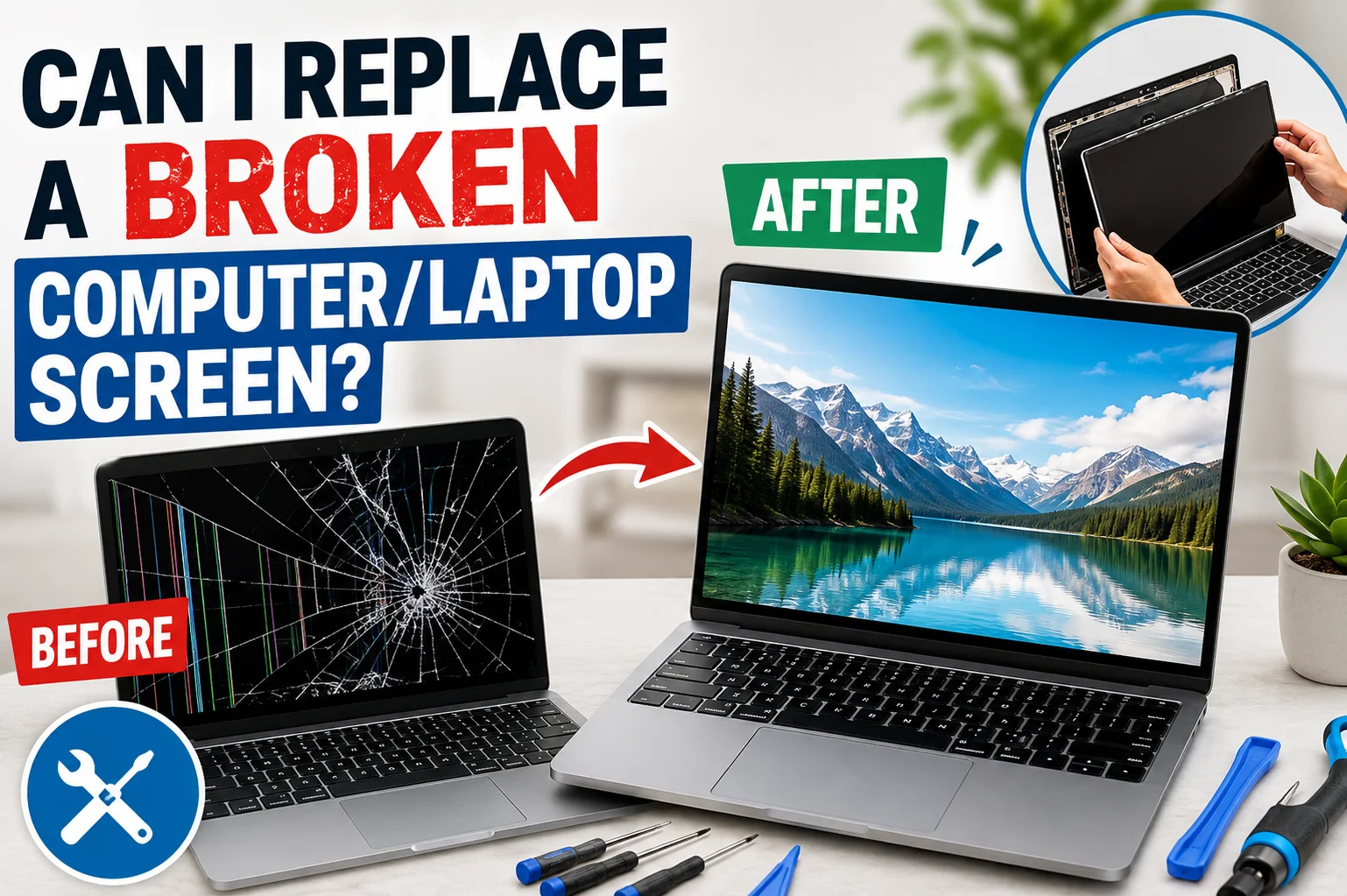
- A cracked or flickering display.
- Keyboard, touchpad, or USB ports that stop responding.
- Battery swelling or unusually short battery life.
- Random shutdowns during heavy workloads.
According to Backblaze’s annual drive reliability reports, storage devices can develop failures over time, especially after years of continuous use. Monitoring unusual drive behaviour early can reduce the risk of unexpected data loss.
Likewise, overheating remains one of the leading causes of premature component failure. The Electronics Cooling Society notes that high operating temperatures can significantly reduce the lifespan of electronic components, making proper cooling essential.
What Are the Most Common Signs of Software Problems?
Unlike hardware faults, symptoms of software errors often appear after installing updates, new applications, or drivers.
Typical signs of software issues include:
- Slow system performance
- Applications crashing unexpectedly
- Error messages during startup
- Boot loops
- Missing files
- Internet connectivity problems caused by drivers
- Malware infections
- Failed Windows or macOS updates
The good news is that many software problems can be resolved without replacing any parts. Updating drivers, removing malware, reinstalling applications, or repairing the operating system often restores normal performance.
However, recurring software issues may sometimes point to hidden hardware vs software problems, making further diagnosis necessary.
| Need Immediate Assistance? Speak with our team today for expert advice and fast computer diagnostics. Call Us Today |
Hardware vs Software Problems: A Simple Comparison
| Hardware Problems | Software Problems |
| Broken or worn components | Corrupted files |
| Overheating | Operating system bugs |
| Faulty RAM or SSD | Driver conflicts |
| Physical screen damage | Malware infections |
| Fan failure | Failed software updates |
| Battery degradation | Application crashes |
Although this comparison is helpful, it is not always definitive. For example, a failing SSD can corrupt system files, while outdated graphics drivers may cause screen flickering that resembles display damage.
How Can You Diagnose Whether the Problem Is Hardware or Software?
If you’re wondering how to tell if a problem is hardware or software, follow these basic troubleshooting steps.
Restart the Device
Temporary software glitches often disappear after a normal restart.
Boot into Safe Mode
Safe Mode loads only essential drivers. If the computer works normally here, the issue is more likely related to software.
Install Available Updates
Operating system patches and updated drivers fix many compatibility and security issues.
Run Built-In Diagnostics
Windows Memory Diagnostic, SMART storage monitoring, and manufacturer diagnostic tools can identify failing components before they stop working completely.
Scan for Malware
Malicious software can slow performance, damage files, and trigger unexpected system behaviour.
Observe Physical Symptoms
Burning smells, unusual noises, overheating, or visible damage almost always point towards hardware faults rather than software issues.
If these checks don’t identify the cause, professional computer diagnostics can help isolate the fault without unnecessary part replacements.
Can Software Problems Look Like Hardware Failures?
Yes. This is one reason accurate diagnosis is so important.
For example:
- Corrupted graphics drivers can cause screen flickering.
- Malware can make a fast computer feel unusually slow.
- Driver conflicts may disable Wi-Fi or Bluetooth.
- Operating system corruption can prevent the computer from booting.
These examples often lead users to assume that expensive hardware repairs are required when the issue may simply need software repair or driver updates.
Can Hardware Problems Cause Software Errors?
The opposite is also true.
Failing hardware often creates software-related symptoms.
Examples include:
- A failing SSD corrupting Windows system files.
- Faulty RAM causing random application crashes.
- An overheating processor triggering unexpected shutdowns.
- An unstable power supply interrupting software installations.
This relationship explains why technicians investigate both hardware and software before recommending repairs.
When Should You Seek Professional Diagnostics?
Basic troubleshooting is useful, but some situations require expert attention.
Professional diagnostics are recommended if:
- The device will not turn on.
- You notice burning smells or smoke.
- Liquid has entered the device.
- Blue Screen errors occur repeatedly.
- Important files are at risk.
- Multiple symptoms appear at the same time.
- Home troubleshooting has not solved the problem.
An experienced technician can quickly determine whether the issue involves hardware, software, or a combination of both, helping you avoid unnecessary expenses and reduce downtime.
If you need reliable support, contact our team today or visit our Computer Diagnostic Services page to learn more about our repair process.
| Still Not Sure What’s Causing the Problem? Our technicians can quickly identify whether your device has a hardware or software issue and recommend the right solution. Contact Us |
Conclusion
Understanding hardware vs software problems makes troubleshooting faster and more accurate. While software issues can often be resolved through updates, driver fixes, or malware removal, hardware failures usually require component testing or replacement.
Because many symptoms overlap, a proper diagnosis is the safest way to identify the real cause. If you’re uncertain about the condition of your device, professional diagnostics can help protect your data and ensure the right repair is carried out the first time.
Frequently Asked Questions
Can a computer have both hardware and software problems at the same time?
Yes. One problem can sometimes trigger or hide the other.
Will resetting my computer fix hardware problems?
No. A reset only fixes software issues, not faulty hardware.
How long does a computer diagnostic take?
Most diagnostics take 30 minutes to a few hours, depending on the issue.
Is it safe to keep using a computer with hardware issues?
Not always. Continued use can cause further damage or data loss.
Are hardware repairs more expensive than software repairs?
Usually, yes. Hardware repairs often require replacement parts.
Can outdated drivers cause computer problems?
Yes. Outdated drivers can cause crashes, errors, and poor performance.