
Have you ever wondered why two laptops bought around the same time can have completely different lifespans? One continues to run smoothly for a decade, while the other develops performance issues or hardware failures within a few years. The answer often comes down to more than just the brand or purchase price.
Factors such as cooling, maintenance, battery care, usage habits, and internal component quality all influence why laptops fail early. In this blog, we’ll explain what affects laptop lifespan, the most common reasons laptops fail prematurely, and the practical steps you can take to keep your laptop performing reliably for longer.
| Book a Free Laptop Health Check Not sure whether your laptop is ageing normally? Book a free laptop health check to identify early signs of wear before they develop into expensive repairs. Book a Free Inspection |
Why Do Some Laptops Last Longer Than Others?
Not all laptops experience the same level of wear over time. While build quality plays a role, everyday use and maintenance often have a much greater impact on long-term reliability.
Several factors influence why laptops fail early, including:
- Cooling efficiency
- Battery care
- Dust accumulation
- Daily workload
- Preventive laptop maintenance
- Environmental conditions
Quick Answer: Why laptops fail early often depends on overheating, poor maintenance, battery degradation, dust buildup, and heavy daily use. Laptops that receive regular care and timely servicing generally remain reliable for much longer.
Even a high-performance laptop can develop problems earlier than expected if it is consistently exposed to excessive heat or neglected maintenance.
What Causes Laptops to Fail Early?
Most laptop failures develop gradually rather than happening without warning. Recognising the causes early can help reduce unnecessary wear and improve your laptop’s lifespan.
Overheating
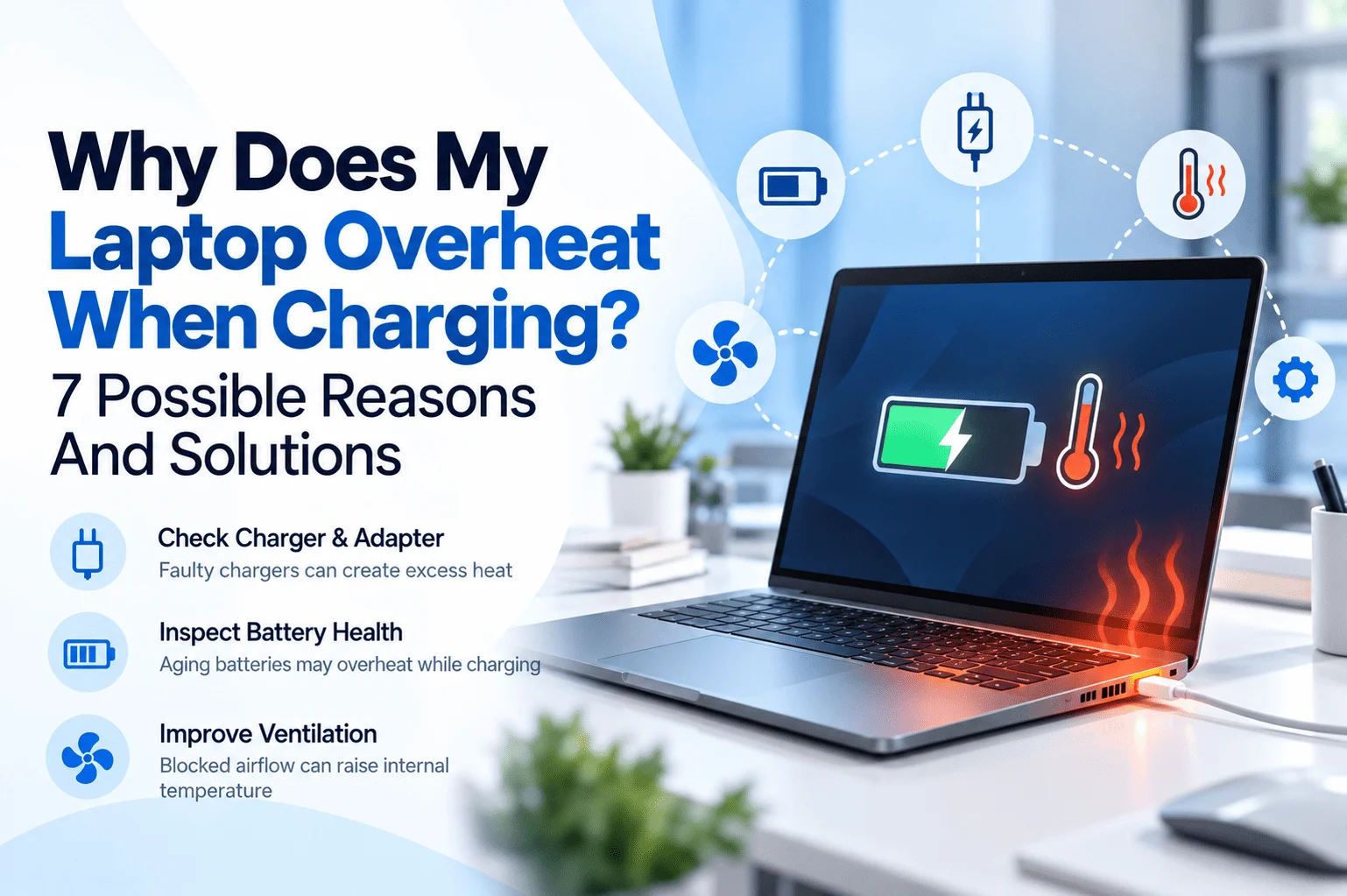
Heat is one of the leading causes of hardware degradation in laptops.
When internal temperatures remain high for extended periods, components such as the processor, graphics chip, storage drive, and battery experience greater stress.
Common causes include:
- Blocked cooling vents
- Dust inside cooling fans
- Worn thermal paste
- Poor airflow
- Heavy workloads for extended periods
According to Intel, maintaining proper operating temperatures is important for long-term system stability and reliable performance. Excessive heat can reduce hardware efficiency and contribute to premature component wear.
If your laptop frequently runs hot during normal use, our cooling system repair service can identify airflow problems and restore efficient cooling before heat causes additional damage.
Dust Buildup
Dust is often overlooked, but it is one of the most common reasons laptops gradually lose cooling efficiency.
As dust collects inside the cooling system, it can:
- Restrict airflow
- Increase operating temperatures
- Force cooling fans to work harder
- Reduce overall laptop performance issues
Over time, continuous overheating caused by dust accelerates wear on internal components.
Regular cleaning helps maintain airflow and reduces unnecessary thermal stress.
Poor Battery Care
Every rechargeable battery gradually loses capacity with age, but charging habits can influence how quickly this happens.
Practices that may shorten battery life include:
- Frequent exposure to excessive heat
- Using damaged chargers
- Allowing the battery to overheat repeatedly
- Ignoring signs of battery deterioration
Battery University explains that lithium-ion batteries naturally lose capacity with repeated charge cycles, while elevated temperatures can accelerate battery ageing.
Replacing a worn battery when necessary can improve everyday usability without having to replace the entire laptop.
Physical Damage and Everyday Wear
Not every laptop failure is caused by internal ageing.
Daily use can gradually affect:
- Charging ports
- Hinges
- Keyboards
- Display cables
- External connectors
Repeated impacts, accidental drops, or carrying a laptop without adequate protection may shorten its lifespan significantly.
Many of these components can be repaired or replaced individually, making early diagnosis worthwhile.
If your laptop has developed charging problems, loose hinges, or physical damage, our laptop repair service can help identify the affected components before further wear leads to additional repairs.
Which Laptop Components Usually Wear Out First?
Some laptop components naturally experience more wear than others because they are used constantly or contain moving parts.
The components most likely to wear out include:
- Battery – Gradually loses capacity after repeated charge cycles.
- Storage drive – Older hard drives contain moving parts that can wear over time, while SSDs also have a limited write lifespan.
- Cooling fan – Dust buildup and continuous operation can reduce cooling efficiency.
- Charging port – Frequent plugging and unplugging may loosen or damage the connector.
- Keyboard and touchpad – Daily use can eventually affect responsiveness and reliability.
Most of these parts can be repaired or replaced without replacing the entire laptop, helping reduce costs and extend its usable life.
| Is Your Laptop Showing Signs of Wear? If your laptop has become slower, overheats frequently, or has charging issues, call us today for a professional inspection. Call Us Today |
How Can You Extend Your Laptop’s Lifespan?
Although every laptop will eventually age, following good maintenance habits can significantly reduce unnecessary wear and help explain why laptops fail early less often.
Here are some practical ways to improve long-term reliability:
Keep Your Laptop Clean
Regularly remove dust from cooling vents, fans, and keyboards to improve airflow and reduce heat buildup.
Avoid Overheating
Use your laptop on hard, flat surfaces and avoid blocking the cooling vents. Good airflow helps protect internal components from excessive thermal stress.
Keep Software Updated
Operating system and driver updates often include performance improvements, bug fixes, and important security updates that help maintain stability.
Look After Battery Health
Avoid exposing your laptop to excessive heat and use a suitable charger to help maintain battery performance.
Use Surge Protection
Electrical surges can damage internal circuits. A quality surge protector helps reduce the risk of unexpected electrical damage.
Schedule Preventive Maintenance
Routine inspections allow technicians to identify developing problems before they become major repairs.
When Should You Repair Instead of Replace Your Laptop?
Many people assume that an ageing laptop automatically needs replacing, but this is not always the case.
A repair is often worthwhile when:
- Only one component has failed.
- The repair cost is reasonable.
- The laptop still meets your performance needs.
- Replacement parts are readily available.
Replacement may be the better option if:
- Several major components have failed.
- Repair costs approach the price of a new laptop.
- The hardware no longer supports current software requirements.
- The device has reached the end of its practical lifespan.
Understanding why laptops fail early helps you decide whether a repair or replacement offers the best long-term value.
Conclusion
Understanding why laptops fail early helps you make better decisions about maintenance, repairs, and everyday use. Good cooling, regular cleaning, proper battery care, and early diagnostics can significantly improve your laptop lifespan and reduce unnecessary hardware failures.
By addressing small problems before they become major ones, you can keep your laptop performing reliably for many years.
Frequently Asked Questions
Why do some laptops last 10 years?
Good maintenance, proper cooling, careful battery care, and lighter daily workloads can significantly extend a laptop’s lifespan.
What causes laptops to fail early?
Overheating, dust buildup, poor battery care, physical damage, and neglected maintenance are among the most common causes.
Can overheating shorten a laptop’s lifespan?
Yes. Excessive heat accelerates wear on internal components and can reduce long-term reliability.
How long should a laptop last?
Most laptops last between 5 and 8 years, although well-maintained devices may remain reliable for 10 years or more.
Can regular maintenance extend laptop lifespan?
Yes. Cleaning, software updates, battery care, and routine inspections help reduce unnecessary wear.
When should I repair my laptop instead of replacing it?
If the issue is limited to one or two components and the repair cost is reasonable, repairing the laptop is often the better option.